October 28, 2026
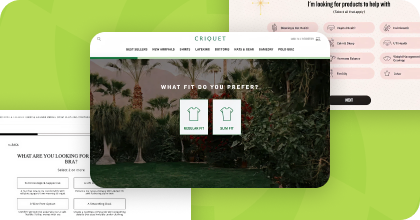
Build Your Own Product Quiz For Free Right Now
Simply give us your website URL and we will build you a completely on-brand product recommendation quiz for free.
Every Digioh account can now build and edit campaigns with the Digioh Agent, and Passport Recover now works with Iterable. Here's everything that shipped this month.
Building campaigns with the Digioh Agent is now on for every Digioh account, included in every plan at no extra cost. Describe the pop-up, quiz, or banner you want, and the Agent designs it in your brand, connects it to your integrations, like your email platform, along with any form or coupon it uses, and saves it as a draft for you to review.
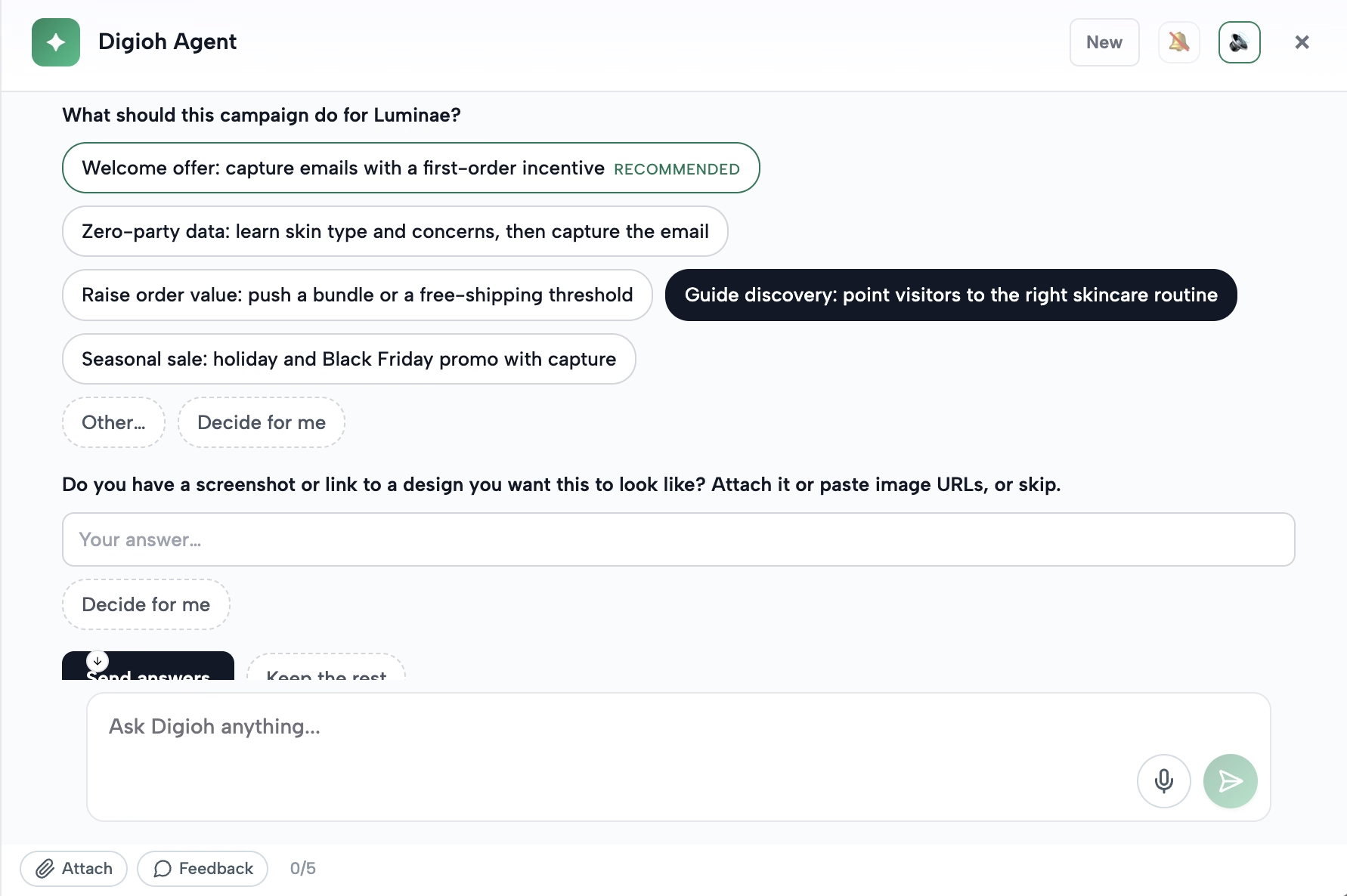
Here's how it works:
Nothing goes live until you publish, and you can undo any change the Agent makes. Take an interactive tour of the Digioh Agent here.
A few things to try:
If your security or IT team has questions about how Digioh AI handles your data, this help doc covers features, controls, and data privacy.
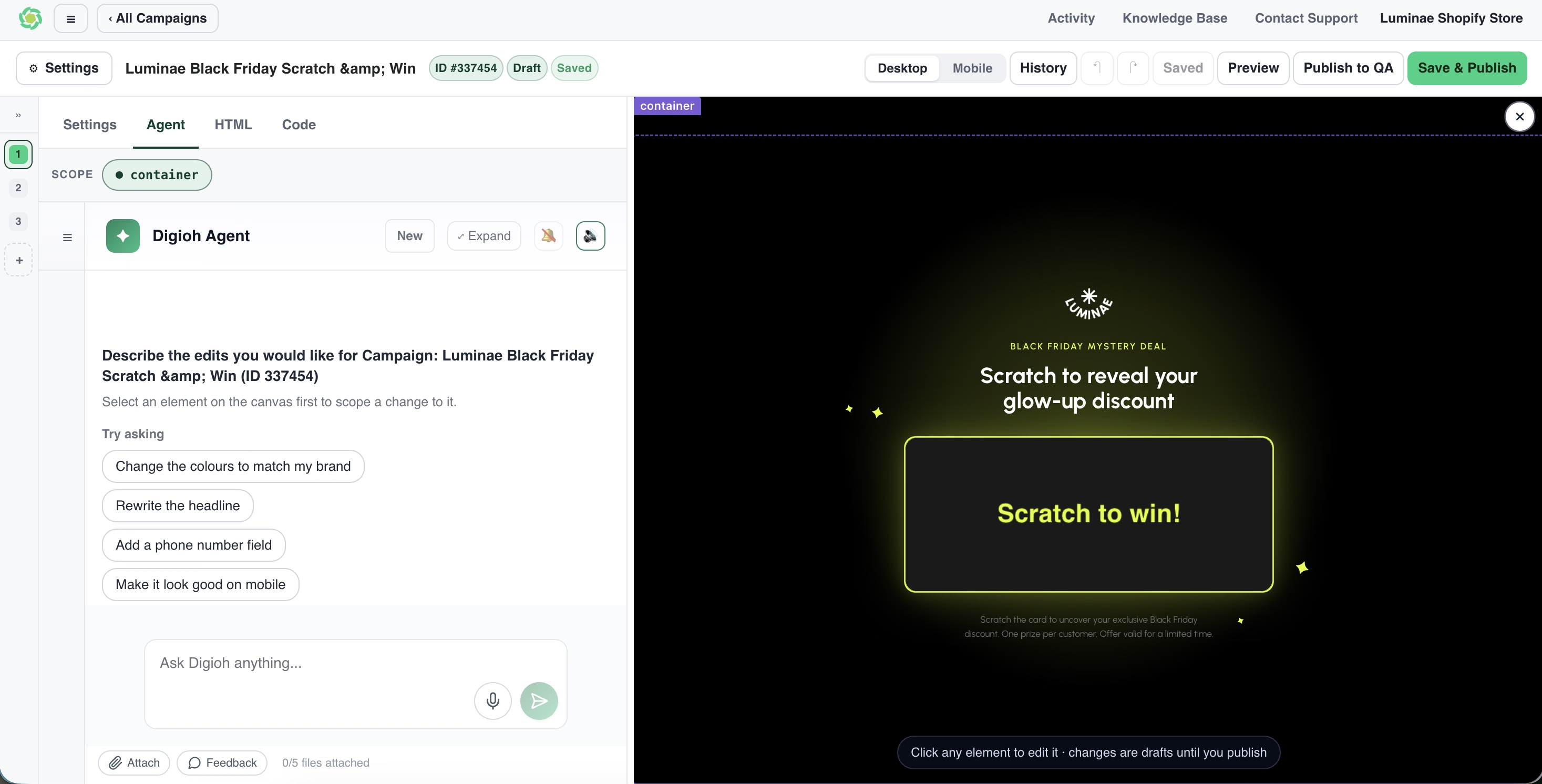
The campaign editor got a full redesign this month. You can ask the Agent for changes in plain English, right beside your campaign, or click any part of the campaign, like a headline, image, or button, and edit it directly.
Your website shows behind the canvas (unless you’re working on a full screen campaign), so you can see how the campaign will look to shoppers.
What's new in the editor:
Every campaign is fully responsive and loads without an iframe, so it's faster for shoppers. Before you publish, run the design checks and let the Agent fix anything they flag.
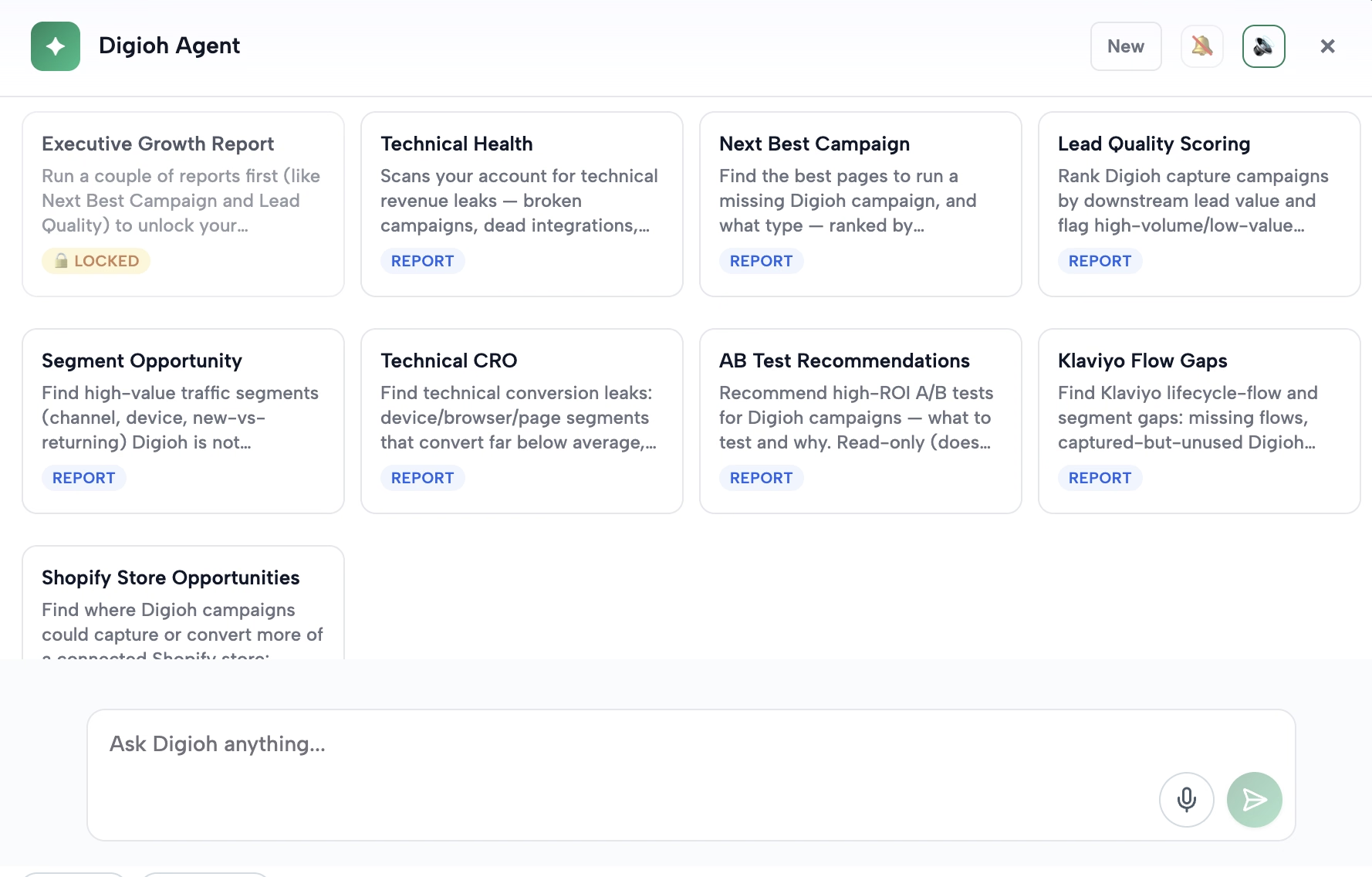
The Digioh Agent already answers questions about your performance across Digioh, GA4, Shopify, Klaviyo, and Meta. This month it got even better at helping you figure out how to act on it.
Try asking: "Which campaigns drove the most revenue, and where's my biggest missed opportunity?" The Agent will rank your live campaigns, point out what to change, and suggest what to build next. Then you can ask it to build it.
Working with the Agent also got smoother. You can paste screenshots or drag images straight into the chat, and the Agent alerts you when it finishes or needs your approval, even if you've switched tabs. Learn more about the Digioh Agent.
The Digioh MCP connects Claude Code to your Digioh account, so you can work with Digioh from the same AI tool you already use for everything else.
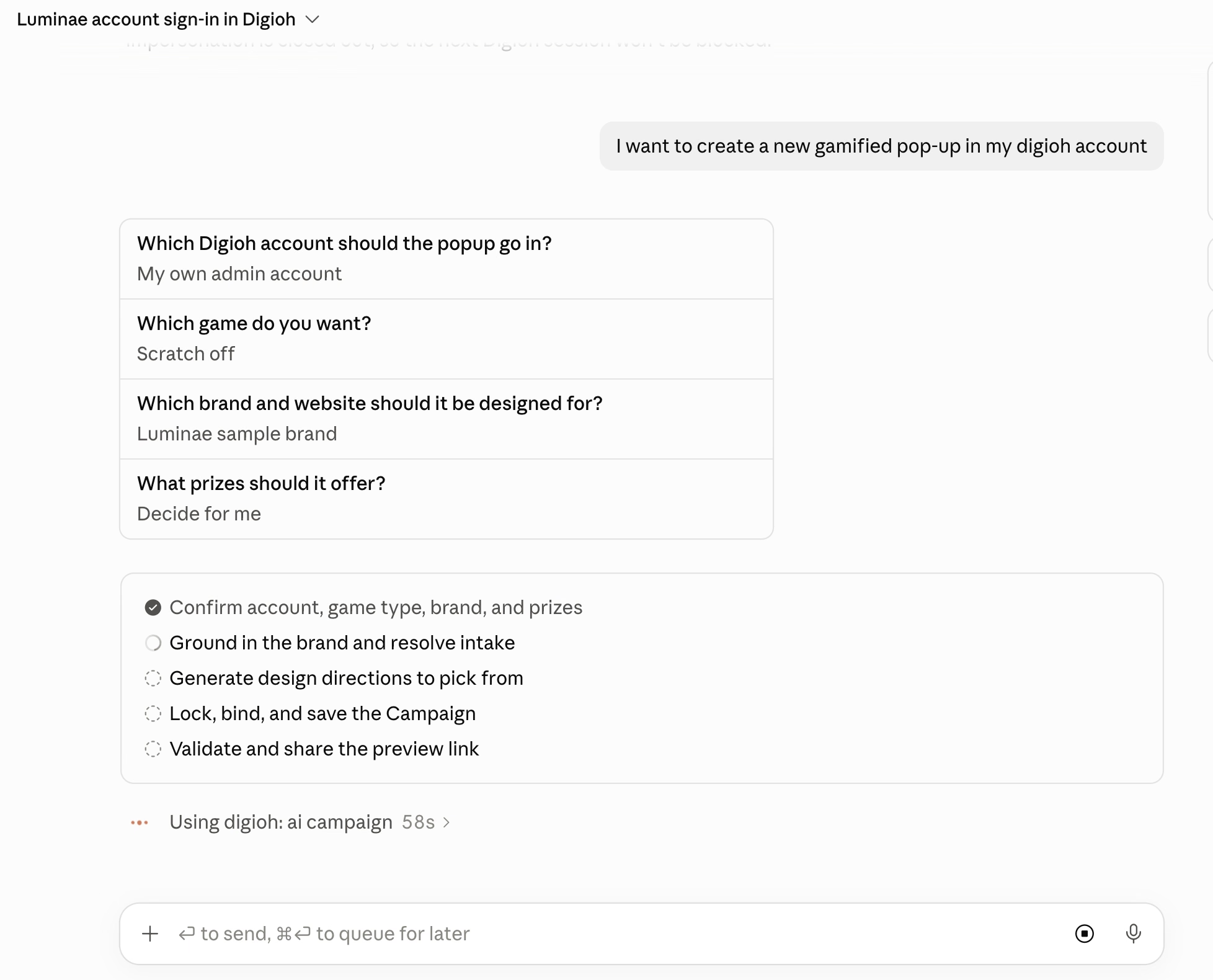
Ask it to build or edit campaigns and quizzes, review your display rules and integrations, explain why a campaign isn't showing where you expect, troubleshoot an A/B test, or pull your analytics. If you've connected other tools to Claude Code, it can bring their data into the same conversation.
A few things to try:
Also new this month in the MCP:
Keys come from Digioh support, so treat yours like a password. Your account data is never used to train AI models. Here's how to connect it.
When a shopper closes your pop-up without signing up, that's usually the end of it. AI Smart Rules gives your campaign a second chance at the right moment.
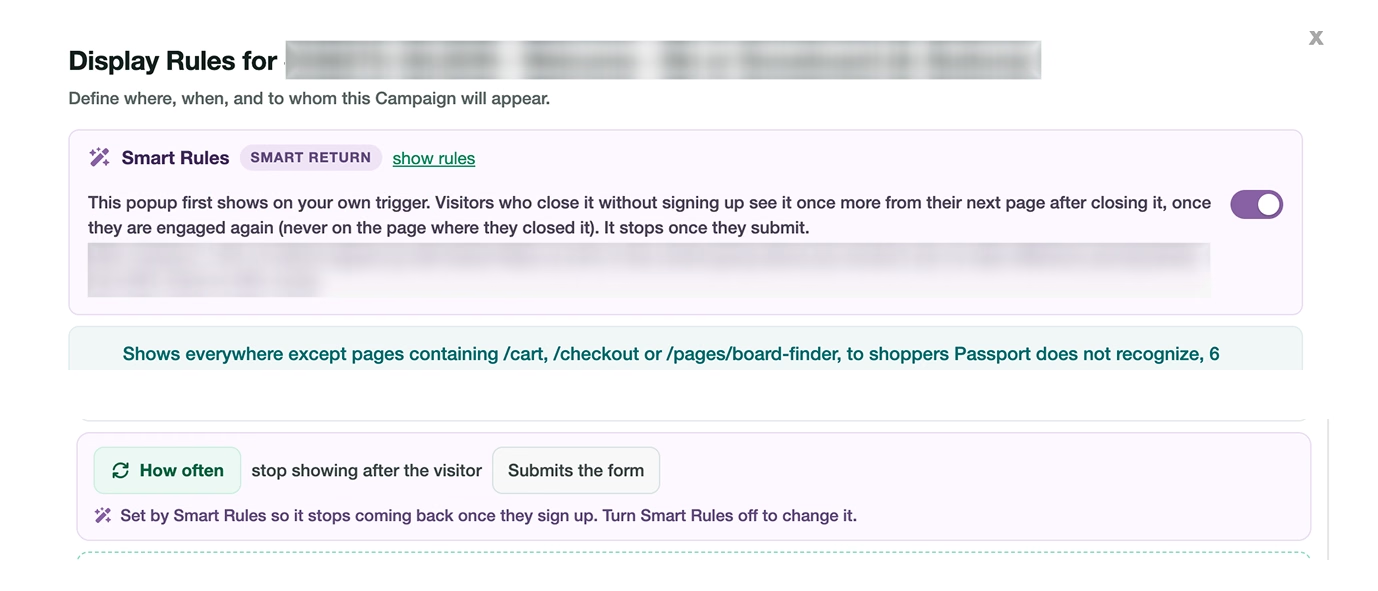
Your original trigger stays exactly as you set it. If a shopper closes the pop-up without signing up, Smart Rules brings it back once, starting from the second page after they closed it, when they're engaged. It never shows again after someone signs up, and if they close it a second time, it pauses for a week.
To keep the results honest, 10% of visitors keep your original rules as a control group, and you can see how Smart Rules is performing against that group right in the campaign's display rules. You can also ask the Agent how it's doing.
AI Smart Rules is in beta. If you'd like to try it, reach out to your CSM or email us at support@digioh.com.
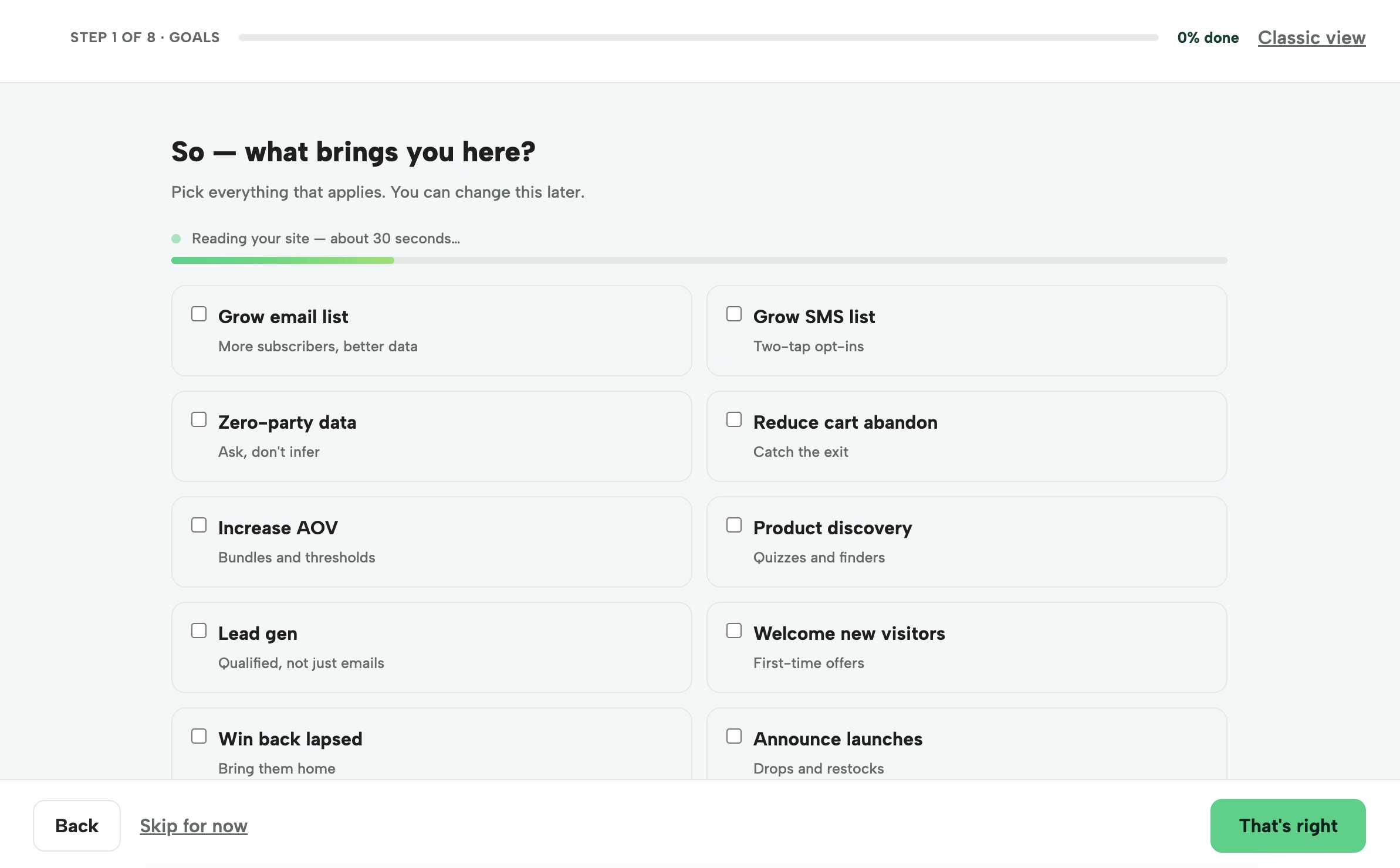
New Digioh accounts now start with a guided setup that gets campaigns live faster. It walks you through your goals, reviews your site, picks up your brand style (you can add brand assets and guidelines), and helps you connect the tools you already use, like GA4.
Then it builds a starter set of campaigns, complete with best-practice display rules, and emails you when they're ready to review.
If you manage multiple brands or are adding a new account, this is the fastest way to get it up and running.
If you send Digioh's identity events to Klaviyo through our Shopify app, those events now carry more detail about what shoppers are looking at.
That opens up more targeted abandonment flows. For example, you could route products that aren't eligible for discounts to non-discount messaging, or send a different cart reminder for each collection.
Digioh now connects directly to HubSpot. Leads captured in Digioh arrive in HubSpot as real form submissions, so the workflows tied to your HubSpot forms run automatically and the contact's original source is set correctly. You can find it with the other integrations in Digioh.
This is a good fit for B2B brands, or any team that runs lead routing and nurture in HubSpot.
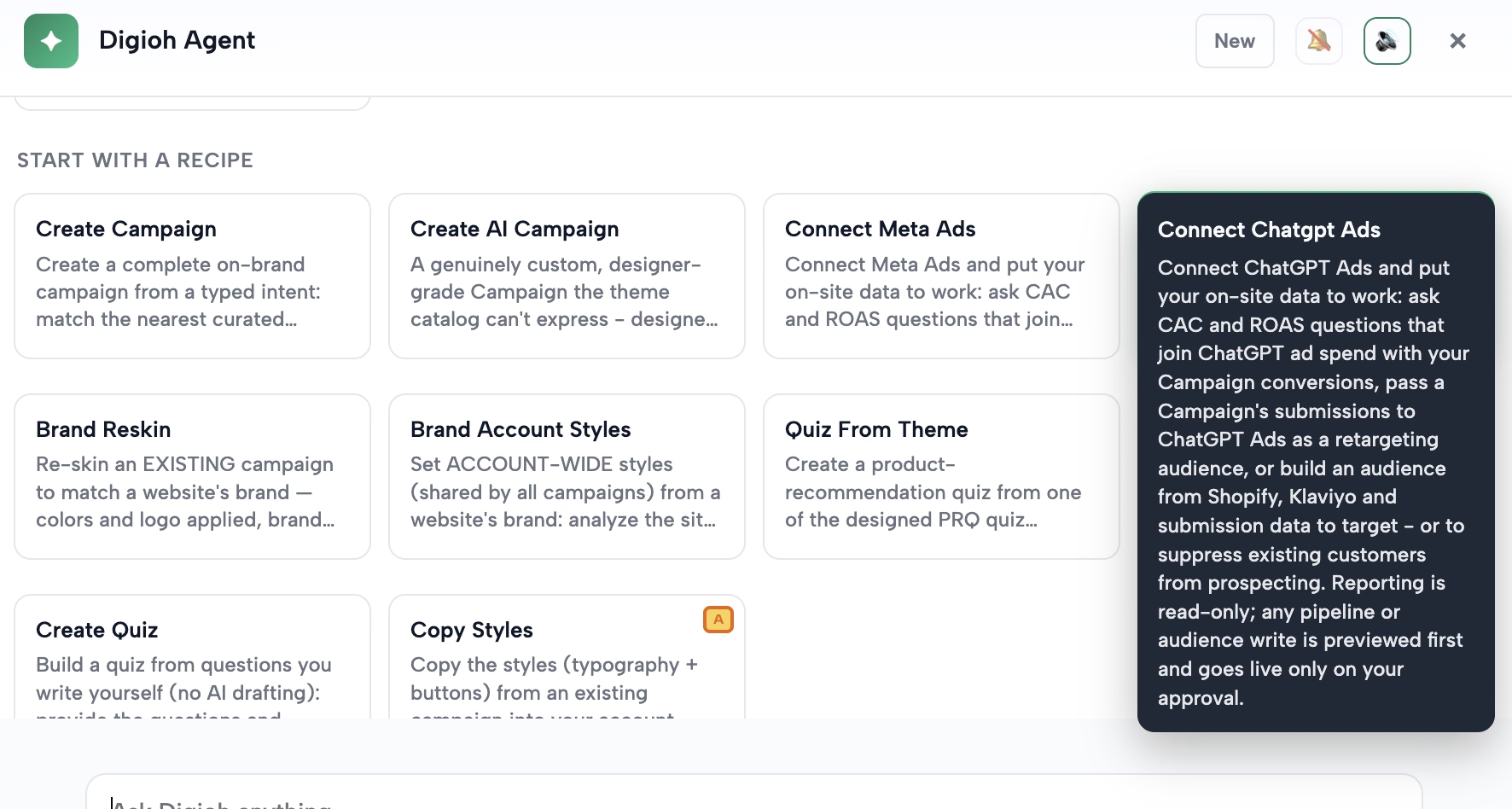
You can now send the emails you capture in Digioh to ChatGPT Ads as custom audiences. Use them to reach shoppers who've already shown interest, or to exclude existing subscribers so you aren't paying to reach people you already have. Here's how to connect it.
Passport Recover re-identifies shoppers your own data lost through Digioh's Identity Network, so they re-enter your flows and see personalized onsite experiences. It's now available for Iterable as well as Klaviyo. If you're on Iterable and want to turn on Recover, reach out to your CSM or email support@digioh.com.
Once it's on, this guide walks you through cloning your Iterable journeys for Passport.
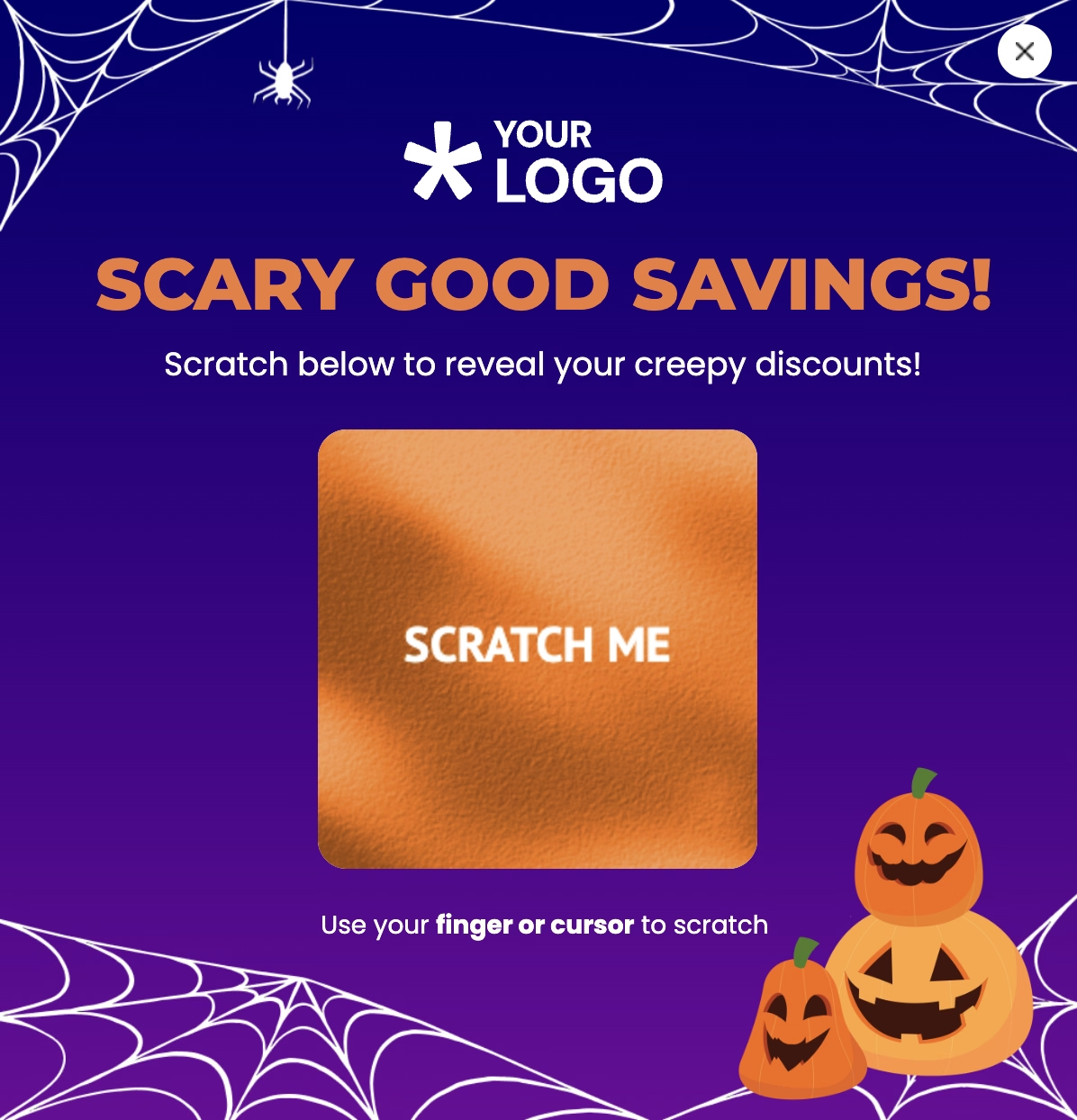
Gamified pop-ups got some new options this month:
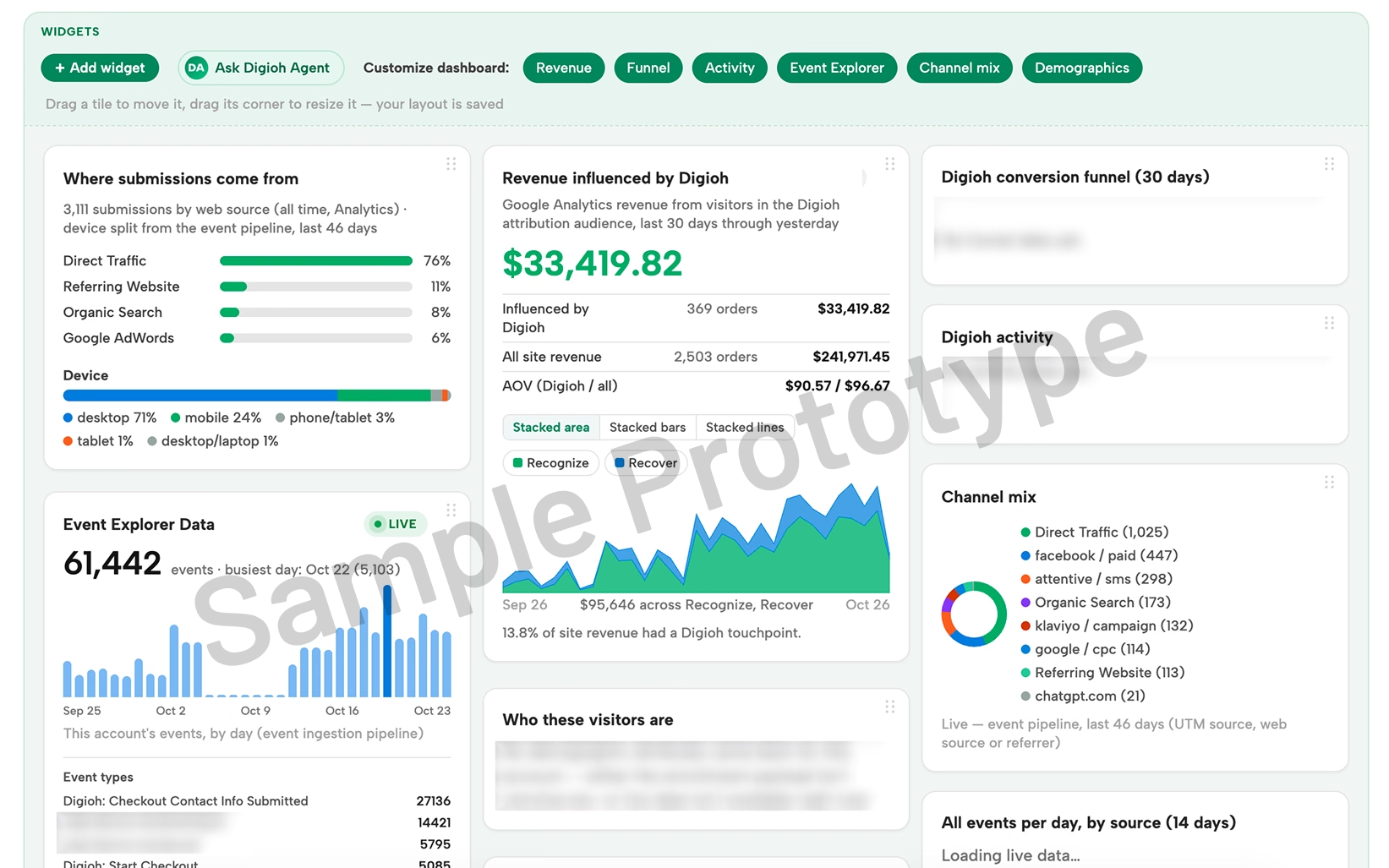
At our October webinar, we previewed a completely new Reporting experience in Digioh.
It's built so your reporting looks and works the way you need it to:
It also starts with a default dashboard, so you'll see your results right away without any setup. It's not available yet, and we'll share more as it gets closer. If you'd like to give early feedback, let us know by emailing us at beta@digioh.com.
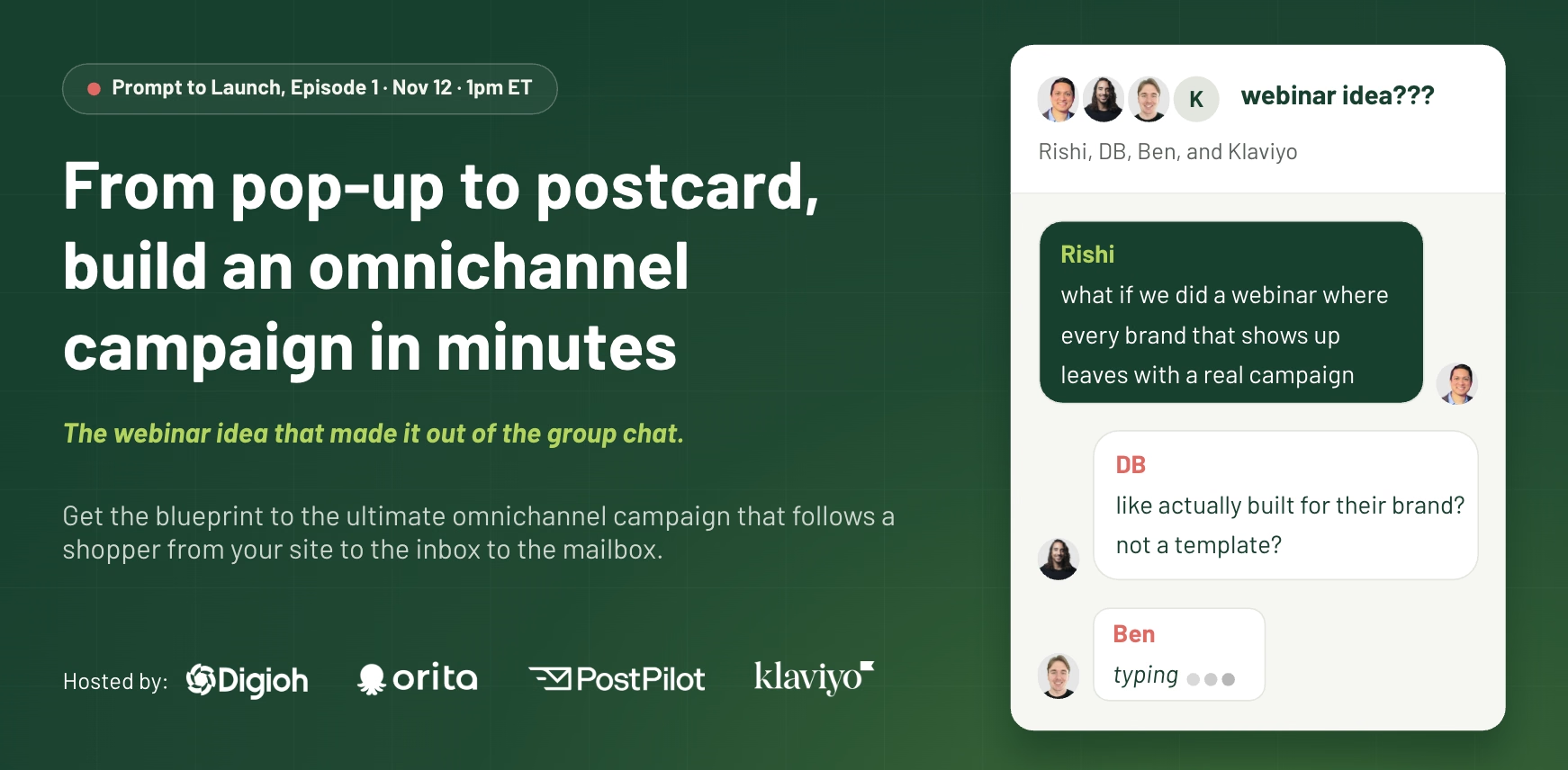
On Thursday, November 12 at 1pm ET, we're kicking off Prompt to Launch, a new webinar series. Episode 1 is all about omnichannel: how to build one campaign that follows a shopper from your site to their inbox to their mailbox.
It's built for the post-BFCM problem. Holiday sales bring in a wave of first-time buyers, and plenty of them never come back. We'll walk through a win-back campaign you can set up before the rush, with each partner covering their piece:
Stay to the end, and we'll build your brand a custom omnichannel campaign with Digioh AI and send it to your inbox. Every live attendee also gets a $10 Starbucks gift card. Can't make it live? Register anyway, and we'll send you the recording. Save your seat here.
If you missed our October 14 product update webinar, you can watch the replay here. Our CEO Rishi and Head of Product Turner build with the Digioh Agent live and walk through everything above.
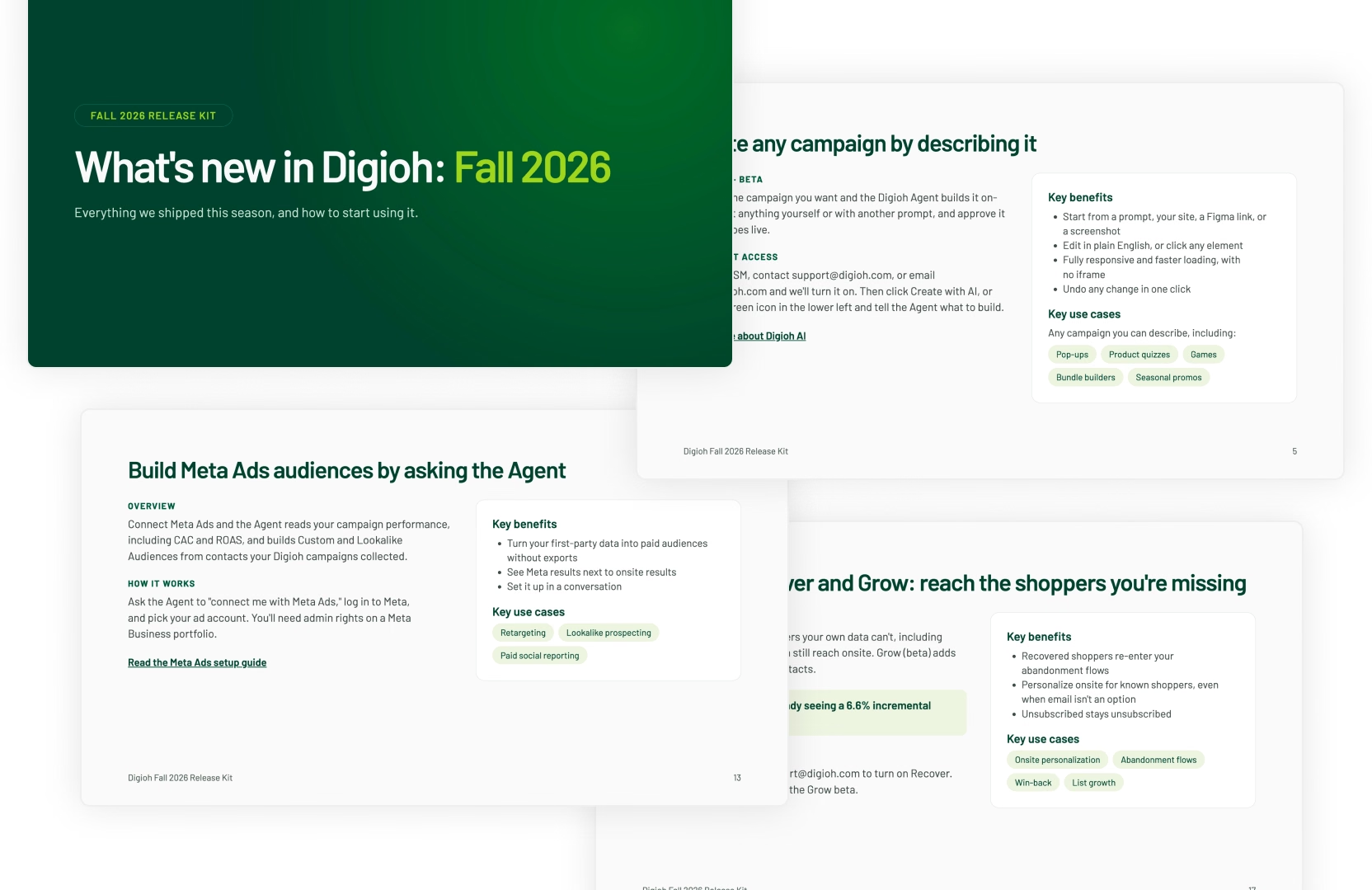
We also put together the Digioh Fall 2026 Release Kit, a quick rundown of everything we shipped this season. It's handy to share with your team.
As always, if you have questions about any of this or want help getting something set up, reach out to your CSM or contact us at support@digioh.com.
Don’t settle for siloed tools. With Digioh, you get one powerful platform for pop-ups, product quizzes, onsite identification, and more—everything you need to personalize every step of the customer journey. Identify more traffic. Collect more zero-party data. Turn insights into revenue.